MetaTrader 4
 MetaTrader 5
 MatchTrader
 FTMO
 FFX Fund
 TradingView
 IG
 FXCM
 OANDA
 FundedNext
 FundingPips
 NinjaTrader
 Tradovate
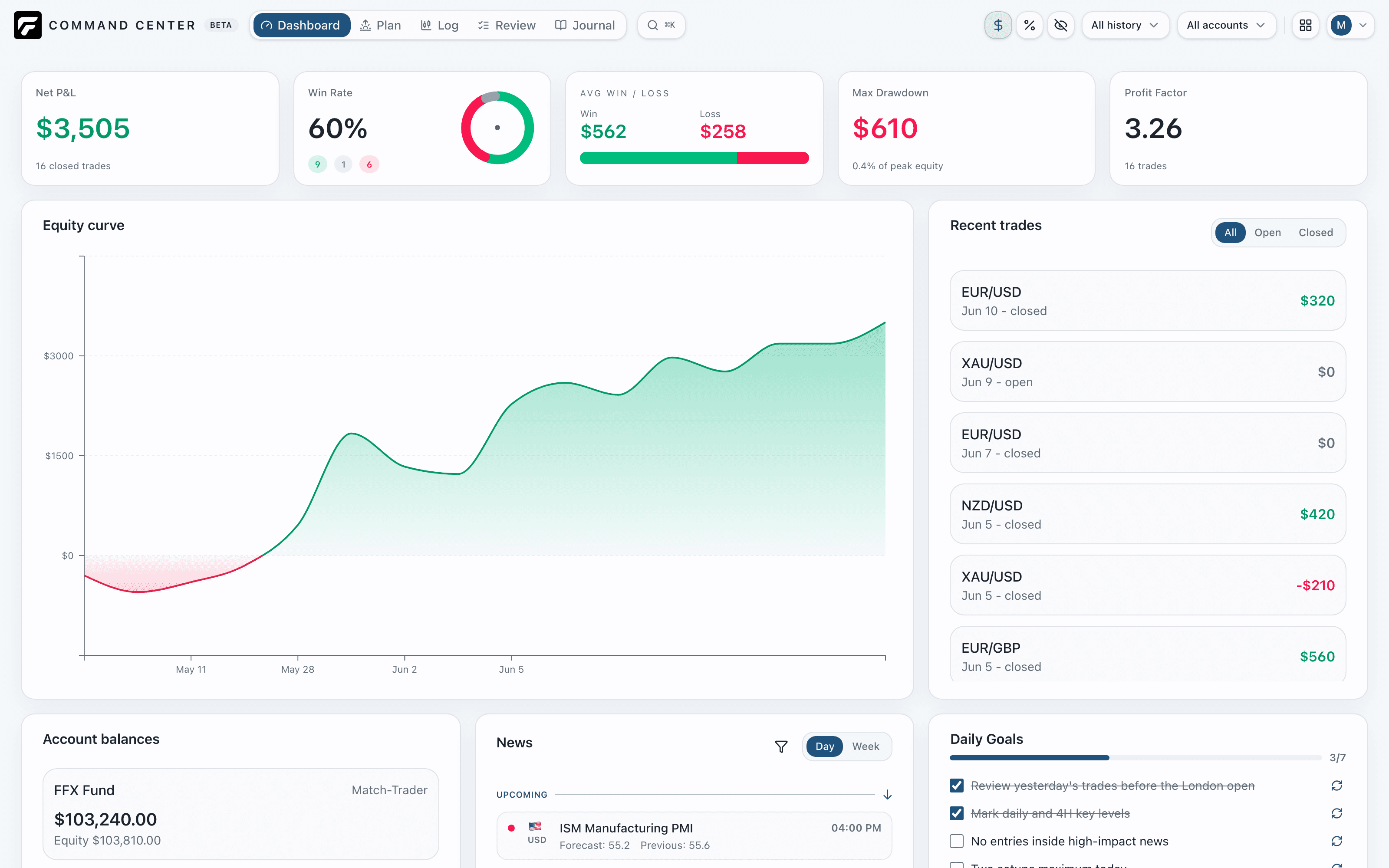
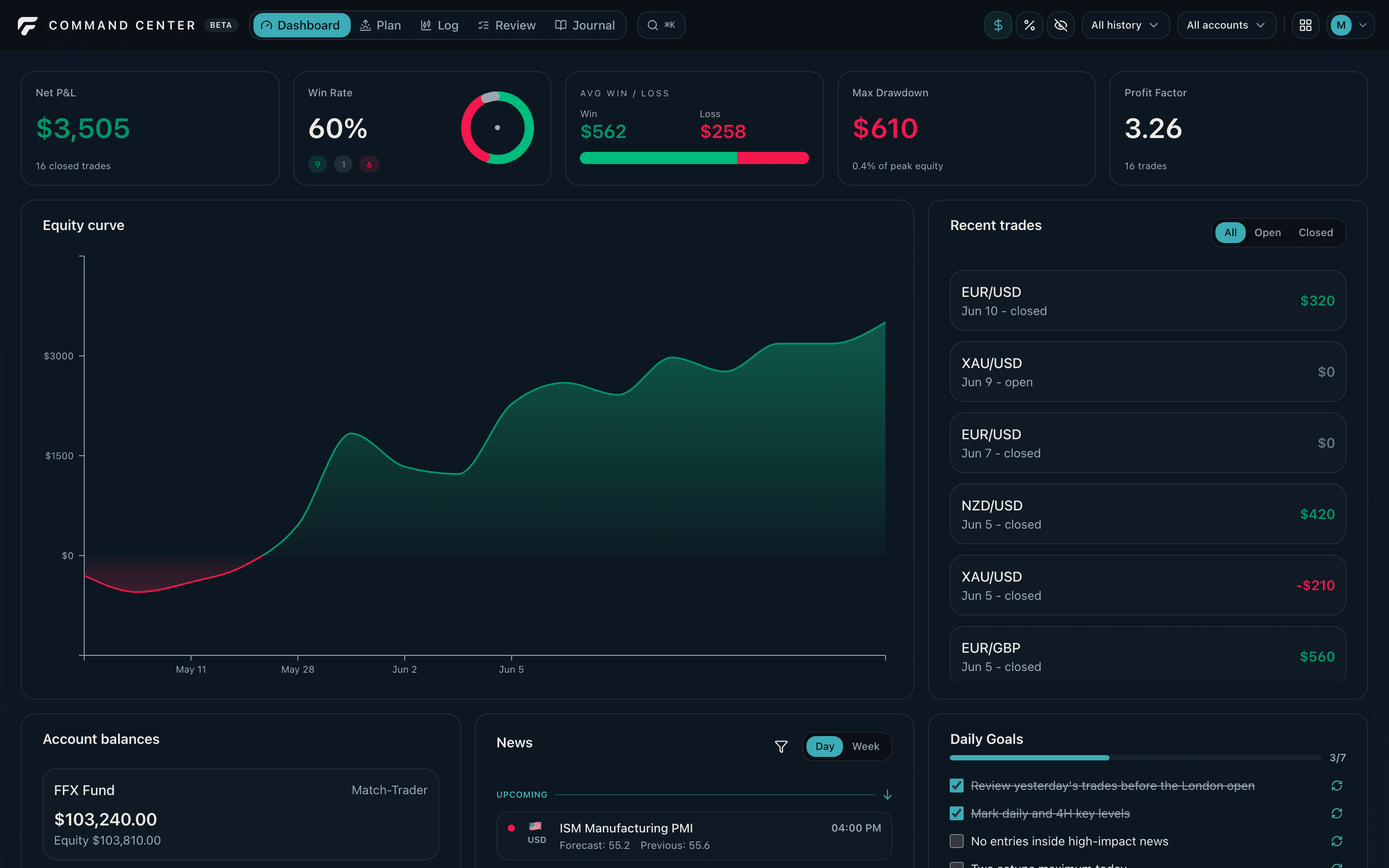
Dashboard01
Account overview
Balances, equity, and prop firm rules for every account.
Performance
P&L, win rate, and drawdown at a glance.
Every account, every trade, and the thinking behind it. One workspace to plan your day and understand your performance.
Your history comes with you MT4, MT5 & cTrader sync coming soon
Import your trading history from the tools you already use. File imports first. Live sync for MT4, MT5, and cTrader is coming soon.
Less switching. More perspective.
Balances, equity, and prop firm rules for every account.
P&L, win rate, and drawdown at a glance.
Project the path ahead within each account's limits.
A short checklist for the trading day.
Every open and closed trade, by account.
Results laid out day by day.
Your reasoning, next to the numbers.
Ask questions, get answers from your own data.
A workspace for your whole day
Check balances, drawdown room, and today's goals.
Dashboard · PlanSize the position against the account's rules.
Calculator appRecord every trade as it opens and closes.
LogRead the numbers, write down the why.
Review · JournalThe Forexizer family
Forexizer Calculator sizes a trade across your accounts, currencies, and risk settings. Available on iOS and Android today.
Explore Calculator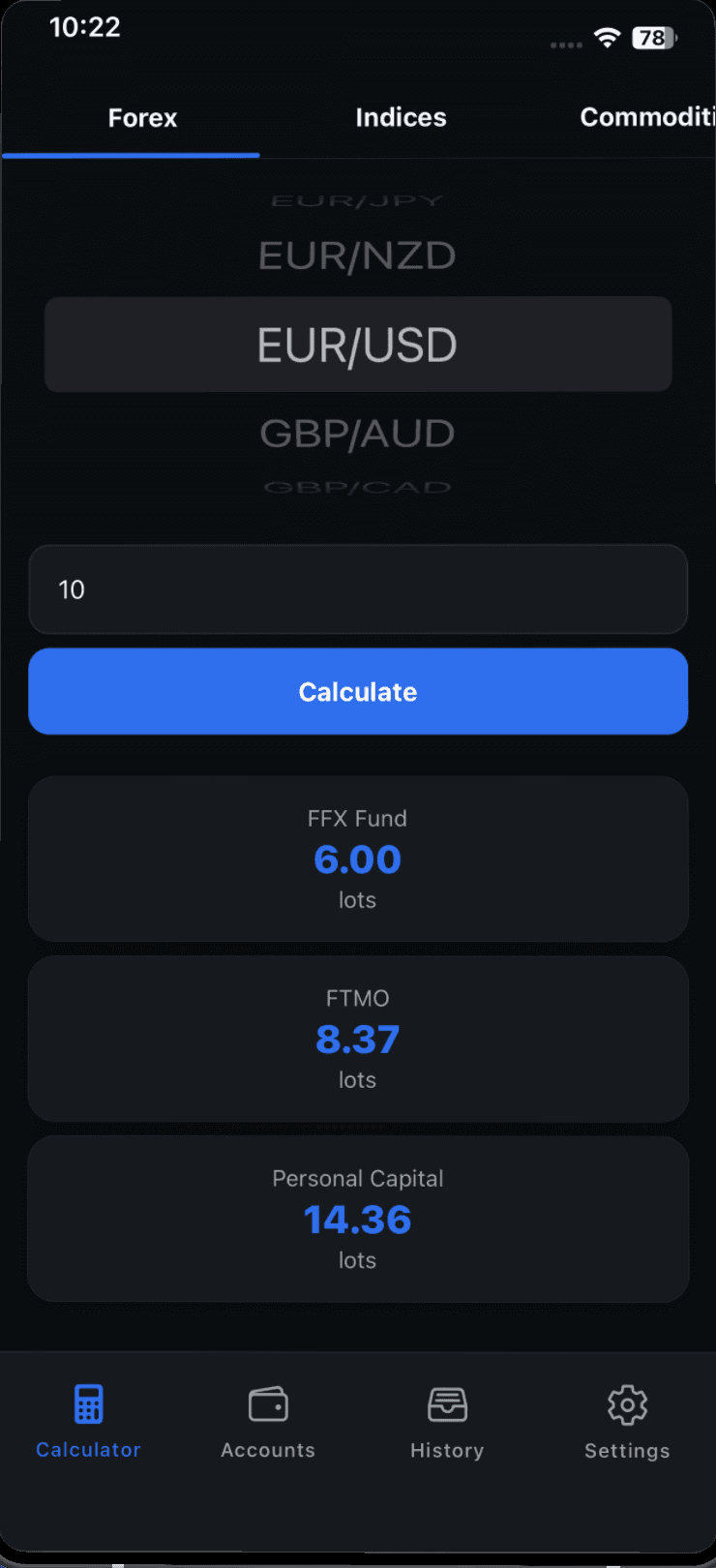
Command Center for iOS and Android is planned. Web comes first, with the same account and risk workflow to follow on mobile.
Follow the development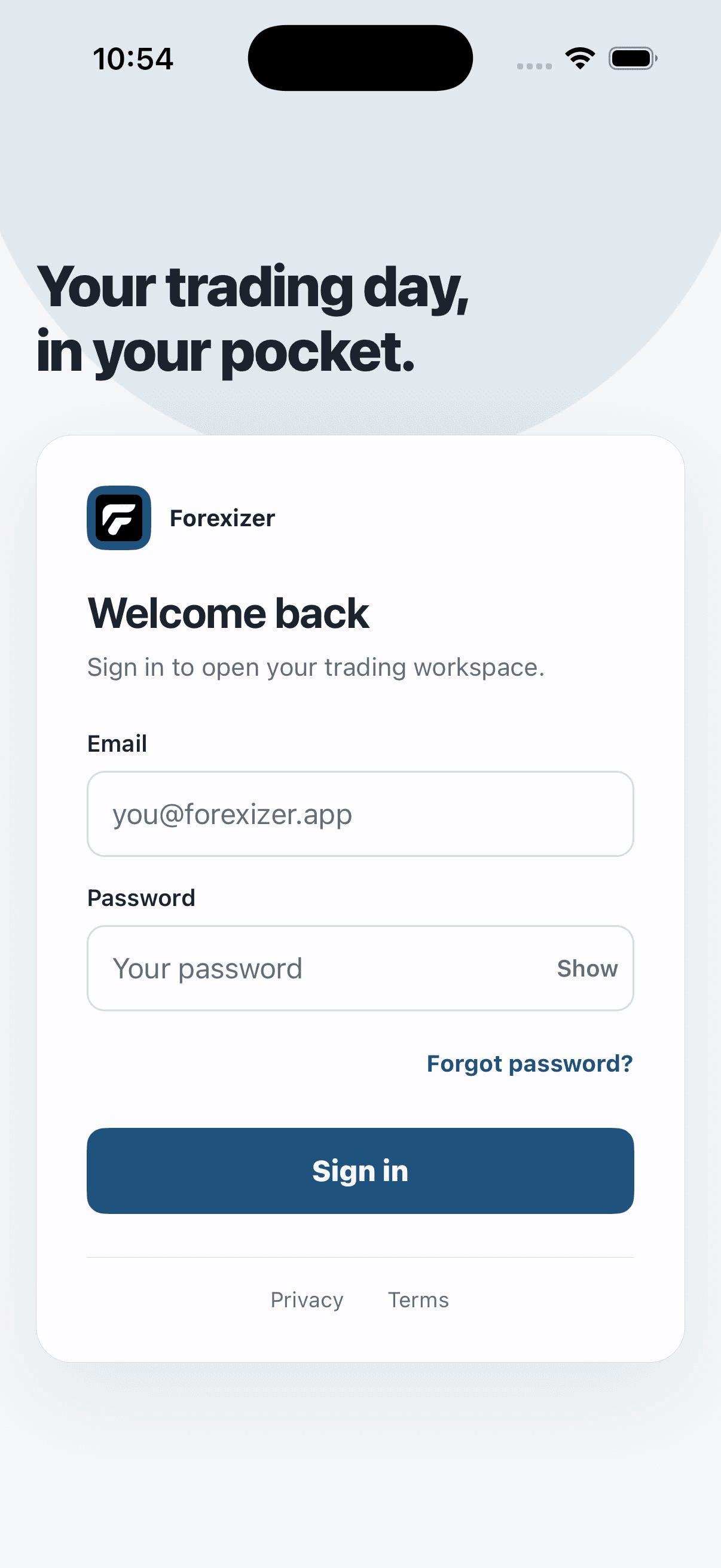
From the desk
The Forexizer Command Center private beta is live, and we're inviting a new wave of testers. It isn't finished, and that's the point. Here's what the beta is for and how to get in.
Read storyForexizer is now a member of NVIDIA Inception, a program that supports startups building with AI.
Read storyTwo challenges can both say "10% max drawdown" and give you very different amounts of room. The difference is whether the floor stays put or follows you up.
Read storyDevelopment is underway. The waitlist is for release news. Join the Discord for beta access, early access, and testing.
Forexizer Calculator remains available on iOS and Android. We have not decided whether it will be retired, and there is no shutdown date. If that changes, existing users will receive clear notice and a tested migration path.
Yes. A new Command Center mobile app is planned. Web comes first, then mobile will bring the same account and risk workflow to iOS and Android.
It's used only to show you your stats and history, and to answer your questions in the AI assistant. We don't sell it or use it for advertising. File imports need no password. MetaTrader live sync will use your read-only investor password, stored encrypted, which can see trades but cannot place them or move funds. You can delete your data at any time. Details are in our privacy policy.
Not publicly yet. Beta access, early access, and testing open through the Forexizer Discord.
Help shape Command Center
Release news and early access updates.
Only when there is something worth sharing.
By joining, you agree to receive Forexizer updates. Unsubscribe anytime. Privacy policy.
Join the Discord ↗ for beta access, early access, and testing.